How to Check for Yourself If Your Email and Phone Number Have Been Compromised
News of data breaches often seems far removed from our personal lives—until one day an account holder receives a scam message that seems to know far too much about them. Many people only start asking questions after such an incident occurs, even though a check can be done earlier and doesn’t require any technical expertise. This guide is designed for non-technical users who want to check for themselves whether their personal email addresses and phone numbers have ever been compromised. The steps are presented in sequence so that you can respond to the results calmly, rather than in a panic. Each step can be completed one at a time in just a few minutes.
Step 1: Prepare a List of Identifiers to Check
Start by writing down the digital identities you’re currently using. For this guide, just include email addresses and phone numbers—both your primary ones and any you’ve used to sign up for specific services. Many people have more than one email address for work, online shopping, and old accounts they rarely access—and all of them should be included on the list. Phone numbers that have been used to verify accounts also need to be noted, including old numbers that are still linked to certain services. This list does not need to include passwords, ID numbers, or financial data, as a reasonable verification process never requires them. With a concise list, the verification process stays organized, and no accounts are overlooked.
Step 2: Choose a Trusted Data Breach Check Service
The next step is to choose a trusted data breach check service. Choose a service that has been around for a long time, explains how it works transparently, and is widely discussed by the cybersecurity community and tech media. Before typing anything, carefully check the website address in the browser bar. Phishing sites often use similar names and are deliberately created to harvest data from concerned individuals. Type the website address yourself or open it from a bookmark you’ve verified as legitimate, and avoid links from messages or ads.
Trustworthy services generally only ask for a verified email address or phone number and never ask for a password. If a site asks for a password, verification code, or other identifying information, stop the process immediately. It’s also important to understand that not all services are able to verify phone numbers, so a blank result doesn’t necessarily mean the number is completely safe. Use the verification results as a preliminary guide, not as an absolute guarantee.
Step 3: Read the Check Results Carefully
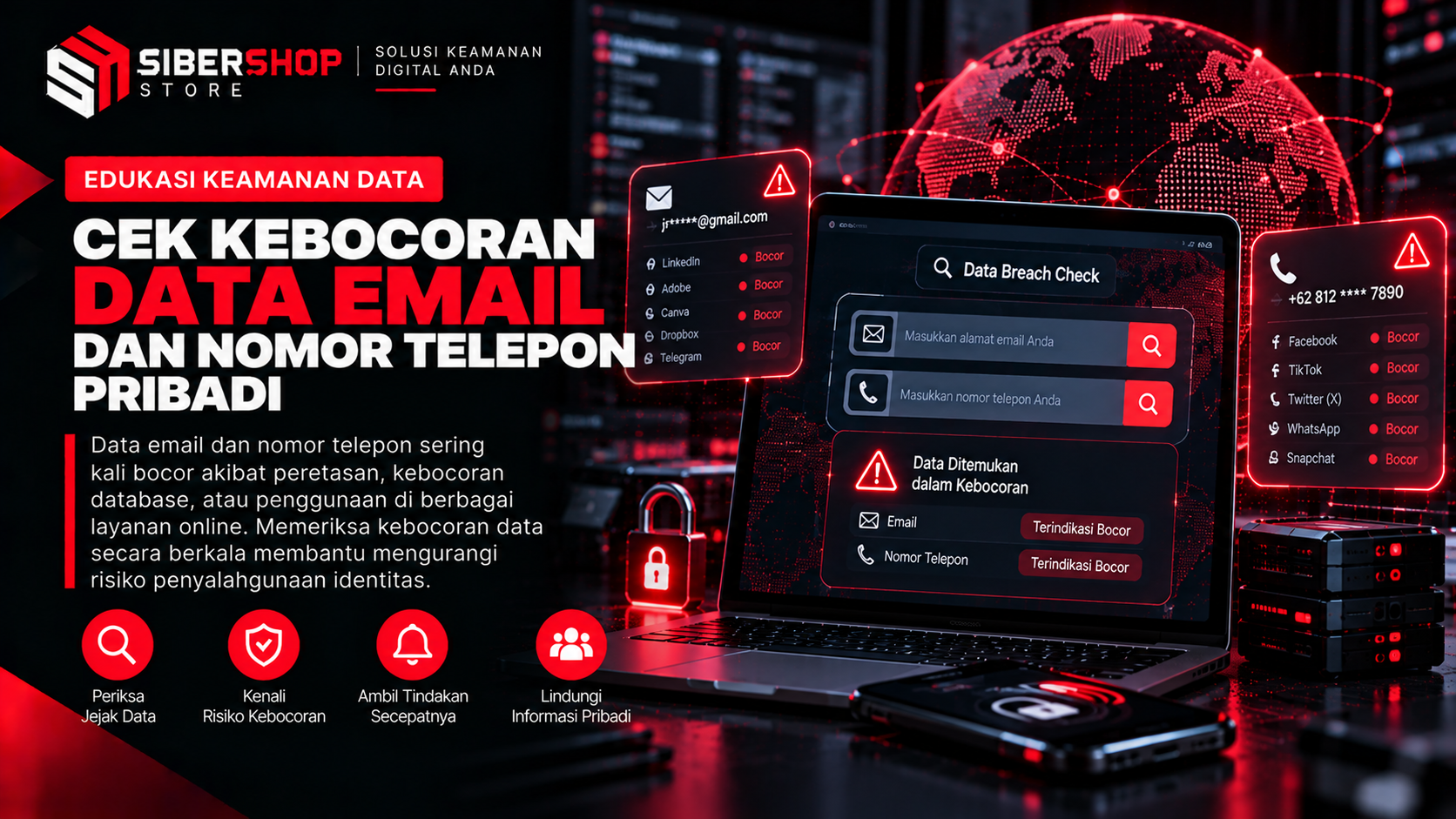
Once the results appear, take the time to read them carefully before taking any action. There are three key points to note: which services were affected, the types of data that were leaked, and the estimated time of the breach. The affected services determine which accounts should be secured first, especially if those accounts are still in use or contain important data. The type of data indicates the level of risk, as a leak containing only email addresses poses a different level of danger than one containing passwords or phone numbers. The estimated time helps assess whether the password for that account has been changed since the incident.
If the results indicate a breach, stay calm. A breach on one service doesn’t automatically mean other accounts have been compromised, but the leaked data could be used to attempt access to other accounts or for convincing scams. Therefore, you should respond to the results with a clear plan of action, rather than hastily deleting your accounts. If the results come back clean, proceed to the final step anyway, as the status can change at any time.
Step 4: Secure Affected Accounts
For each affected account, immediately change the password to a new, long one that hasn’t been used on any other service. The habit of using the same password across multiple accounts is the most commonly exploited vulnerability, so any other accounts using a similar password should also be updated. A built-in password manager or a trusted app can help you store all your passwords without having to memorize them. After that, enable two-factor authentication for those accounts through the available security settings. This feature keeps your accounts protected even if someone else knows your password.
Also be wary of messages claiming to be from the affected service, whether via email, text message, or messaging apps. After a data breach, scammers often take advantage of the situation by sending messages that purport to be from the official service and ask victims to click on a link or provide a verification code. Do not reply to or open links from such messages, and access the service directly through the app or the official website to verify its authenticity. Verification codes sent to your phone are confidential and should never be shared with anyone. Also, make a note of any suspicious messages you receive, as these records will be useful if you need to report them later.
Step 5: Record the Results and Repeat Periodically
Store your inspection records in a secure location, such as a password-protected personal file. The record should include the date of the inspection, the email address or phone number checked, the name of the affected service, the type of data that was leaked, and the actions already taken. Do not write down old or new passwords in these records. With these records, you can compare them during future checks to see if any new leaks have emerged. Well-organized records also make it easier to use them as supporting documentation when reporting to the relevant service providers.
Repeat these checks periodically—for example, every few months or whenever there’s news of a data breach involving a service you use. This habit is far less burdensome than dealing with accounts that have already been compromised. Also, add new email addresses or phone numbers to the list every time you sign up for an important service. This way, the check no longer feels like a major chore but rather part of your routine for maintaining personal security. Consistent small steps make data owners better prepared to face potential misuse.